We used to upload images blindly, just like most people.
PNG for everything? Sure.
JPG for speed? Maybe.
WebP? Sounded fancy, never touched it.
But then the problems started:
but before we are diving in,
In a rush? Just here to convert an image?
Click here to use the free converter
- Logos with ugly white backgrounds
- Beautiful homepages that loaded painfully slow
- Social media images that looked pixelated
- SEO reports pointing to “heavy images”
- Clients asking, “Why is this image so blurry?”
It wasn’t the hosting,
It wasn’t the platform,
It was the image format.
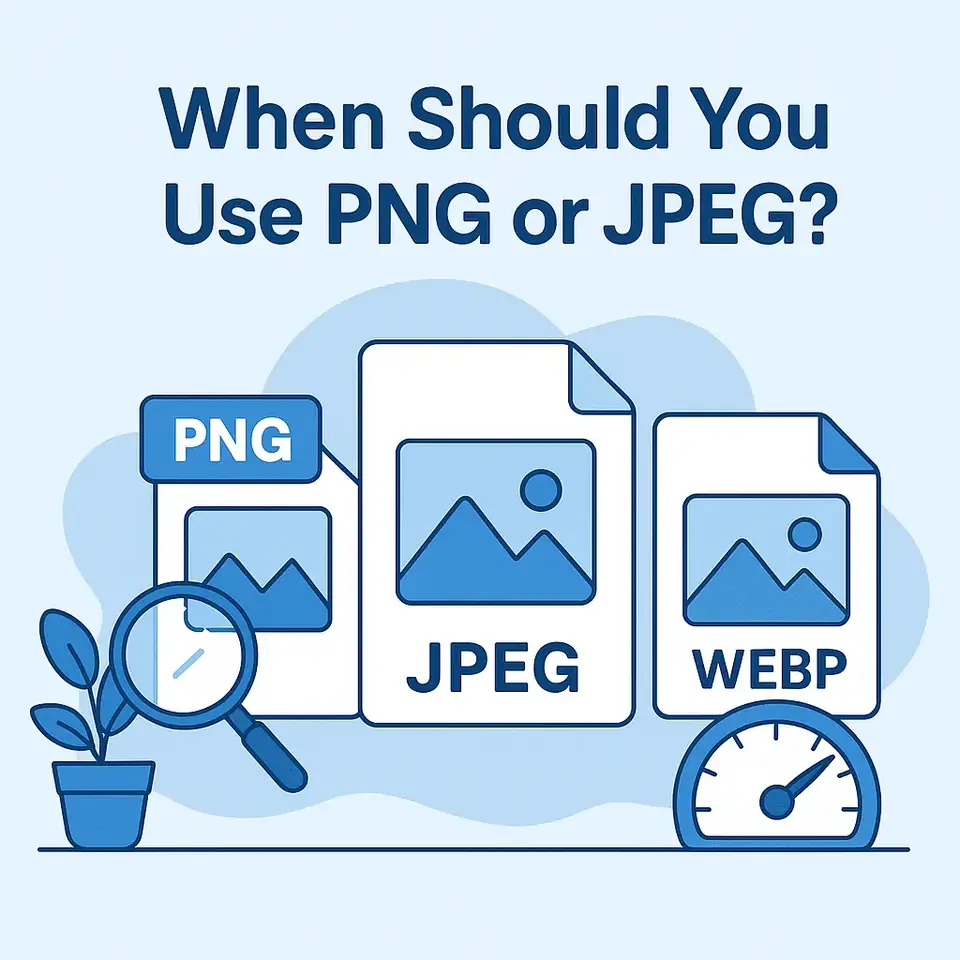
Once we learned when to use JPEG, when to use PNG, and what WebP is actually good for, everything got better:
- Faster sites
- Sharper visuals
- Better SEO
- No more design headaches
And now, we're sharing that answer with you.
| Why it works | Use it when... | Format |
|---|---|---|
| Loads fast, compresses well, and works great for detailed, colorful images | You're uploading a photo, a background, or anything without transparency | JPEG |
| Preserves crisp edges, supports transparency, and uses lossless compression | You need transparency, sharp lines, or flat graphics like logos and icons | PNG |
| Combines the best of JPG and PNG with a much smaller file size | You want both speed and quality, and your platform supports it | WebP |
What Format Works Best on Each Platform
Websites and blogs
Use WebP whenever supported. It’s fast, modern and Google-friendly. Fall back to JPG if needed.
Social media (Instagram, Facebook, TikTok)
Use JPG. These platforms compress images anyway, so make sure your original is already optimized.
Logos, icons and graphics
Use PNG to preserve transparency and clean lines.
Online stores and product pages
Use WebP when possible, otherwise a compressed JPG.
Email campaigns
Stick with JPG for speed and compatibility.
How We Optimize Images in Seconds — and You Can Too
You don’t need Photoshop, plugins or technical knowledge. We built a tool that does the work for you.
Try the Tools4All Free Image Converter to:
- Convert between PNG, JPG and WebP
- Keep or remove transparency
- Reduce file size without losing quality
- Use it on desktop or mobile
No sign-up, no installation. It’s fast, it’s free, and it just works.
Want Even Faster Site Performance?
Switching to the right format is just the beginning.
These two additional tweaks took our sites even further:
1. Enable Lazy Load
Images load only when users scroll to them.
2. Use a CDN
Your images are served from fast, nearby servers.
Together with the right format, they made our pages feel light, smooth and responsive.
It’s Just an Image Format, but It Changes Everything
A blurry logo makes your brand look unprofessional.
A heavy homepage loses visitors.
A bloated blog post drags your SEO.
An uncompressed image on mobile? Frustrating.
With the right format and the right tool:
- Your site loads faster
- Your visuals look sharp
- You look more professional
- You save time and bandwidth
Ready to Optimize Your Images the Smart Way?
Stop guessing, start converting and feel the difference in speed, clarity and performance.
Try the Free Image Converter Now
No sign-up, no install, just better images.